Adobe Creative Suite and Creative Cloud are powerful yet pricey sets of tools for creative professionals. While Adobe's apps may be a great option for some, many are looking for Adobe alternatives to unpaid subscriptions. These Adobe alternatives provide the same functionality but at a lower price or even free software.
For those looking for Adobe Creative Cloud alternatives, this blog lists the best options that offer comparable services to Adobe's products, like Adobe Photoshop, Adobe Acrobat, and many more, without the high monthly and annual subscription model costs. We'll cover free and paid alternatives to Adobe options so you can find one that's just right according to your needs and budget.
So let's look at what makes each tool unique to help you decide which Adobe alternatives best suit you!
The Best Adobe Programs Alternatives
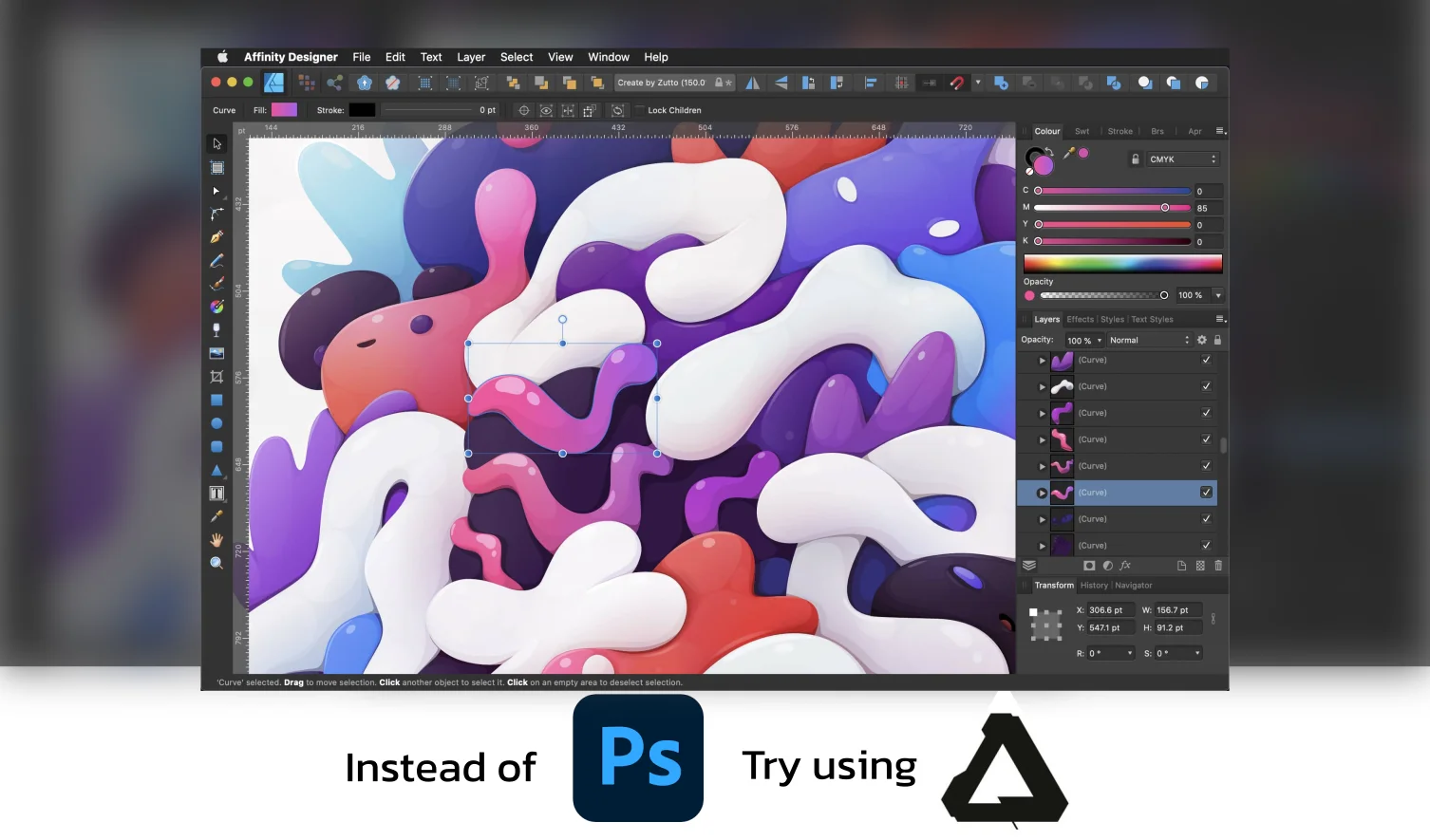
Affinity
If you’re looking for alternatives to Adobe, Affinity is worth considering. Affinity is a brand that offers a full suite of creative software solutions in vector and pixel-based environments for designers, artists, and photographers. The Affinity Suite is a comprehensive package of professional design and publishing applications—Affinity Photo, Designer, and Publisher—that offers seamless integration and updates, making it a strong, cost-effective all-in-one solution compared to Adobe's Creative Cloud.
Affinity has been around since 1987, when it started as a developer of creative software for Windows. Affinity programs are available for a one time purchase, making them affordable alternatives to Adobe software.
Affinity programs, such as Affinity Photo and Affinity Designer, are one-time purchases that provide robust features similar to Adobe's offerings.
With Affinity Photo, creative professionals can edit images on a centralized platform and make corrections such as color casts and filters. This software contains powerful patch removal tools and an intuitive inpainting brush to effectively erase any blemishes or objects not needed in the pictures. Adobe Creative Cloud offers similar tools to Affinity Photo.
Adobe Equivalent - Photoshop
Adobe Creative Cloud's industry-leading image editing software is comparable to Affinity Photo, a powerful Photoshop alternative. Similarly, Affinity Designer is one of the great adobe cc alternatives to Adobe Illustrator, offering vector-based design tools and features. Lastly, Affinity Publisher is the best alternative to Adobe InDesign for desktop publishing and page layout.
Pros
● Editing is faster with efficient resource use.
● Affordable, with no monthly or annual fees.
● Does not require additional plug-ins.
● Easy to use if you are already familiar with Adobe Photoshop.
● The mobile app has a stylus pen for painting and brushing.
● All future updates are free.
● It can open PSD files, making it easy to import and export files from Adobe Photoshop.
Cons
● The adjustment tab can't adjust a single layer without adjusting all layers.
● UI and shortcuts aren't as intuitive as Adobe Photoshop.
Skylum
Looking for Adobe CC alternatives for photo editing? Skylum is a perfect alternative, offering photographers a simplified and intuitive platform. Unlike Adobe Lightroom, it has an accessible user interface that makes editing quick and easy without previous design experience. Plus, with its lifetime license costing only seven months’ worth of subscriptions compared to Adobe’s prices, you’ll save plenty of money without sacrificing features.
Skylum provides tools such as Luminar AI and Aurora HDR to help take your photography skills to the next level with powerful features rivaling Photoshop. Luminar AI stands out for its advanced AI features, including masking, object removal, and sky enhancements, which significantly improve efficiency and accuracy in photo editing.
These tools offer advanced photo editing capabilities, enabling users to perform complex editing, design, and multimedia tasks beyond simple adjustments. These come loaded with presets, plus digital asset management and AI-powered image enhancements, like the facial recognition tracking feature like Face AI, which is simple yet effective in helping enhance photos in just one click.
Adobe Equivalent - Lightroom
Skylum is a Lightroom alternative, an industry-leading RAW photo editor, and a Digital Asset Manager. While it may not have all the features of Adobe Creative Cloud's Adobe Lightroom, it is still a highly regarded tool in the photography industry. If you're looking for a great post-processing solution, Skylum is definitely worth considering.
Pros
● Simplified workflow that enables unskilled users to process raw photographs quickly.
● Wide range of effects and adjustments with sliders for easy customization.
● Luminar's sky replacement feature is amazing, and its results are usually better than those of other editing software.
● "Sky Replacement" and "Smart AI Photo Editing Tools" for human portraits.
● Provides several exporting formats, including export to Photoshop.
Cons
● Switching images can take seconds, so much time is spent waiting for the UI to catch up.
● Exports slowly and requires a lot of hard disk space.
DaVinci Resolve
DaVinci Resolve is one of the perfect alternatives to Adobe for professional video editors. Combining creative editing tools with powerful ICC color management, visual effects, motion graphics, and audio post-production capabilities takes video production to a whole new level.
DaVinci Resolve 18 makes collaboration easier than ever with its cloud-based workflows and advanced features such as Resolve FX, improved subtitling, and Fairlight fixed bus to FlexBus conversion.
With dedicated workspaces for each task, Davinci Resolve, being the fastest non-linear editor, ensures that larger projects such as feature films, television shows, and streaming content turn out amazing every time.
Adobe Equivalent - Premiere Pro/After Effects
DaVinci Resolve offers similar video editing functions as Adobe Premiere Pro and color grading abilities reminiscent of those found in Adobe After Effects, making it one of the great effects alternatives. While it may not be as extensive as Adobe cc, it is an all-in-one powerhouse for video editing, audio mixing, and cloud collaboration.
Pros
● Offers a free version of the software with many similar features to the paid one.
● Includes a wide range of editing tools to help users edit videos faster.
● All-in-one powerhouse for video editing, visual effects, audio mixing, and cloud collaboration.
● Easy import/export and clutter-free UI.
Cons
● Challenging to learn for beginners, the software may require significant time and effort to use effectively.
● Not as extensive as some professional video editing software regarding effects and transitions.
● Compatibility issues and longer rendering times on low-end computers.
● Lack of a native stock footage plug-in and inability to adapt transitions from FCPX, Adobe Premiere, etc.
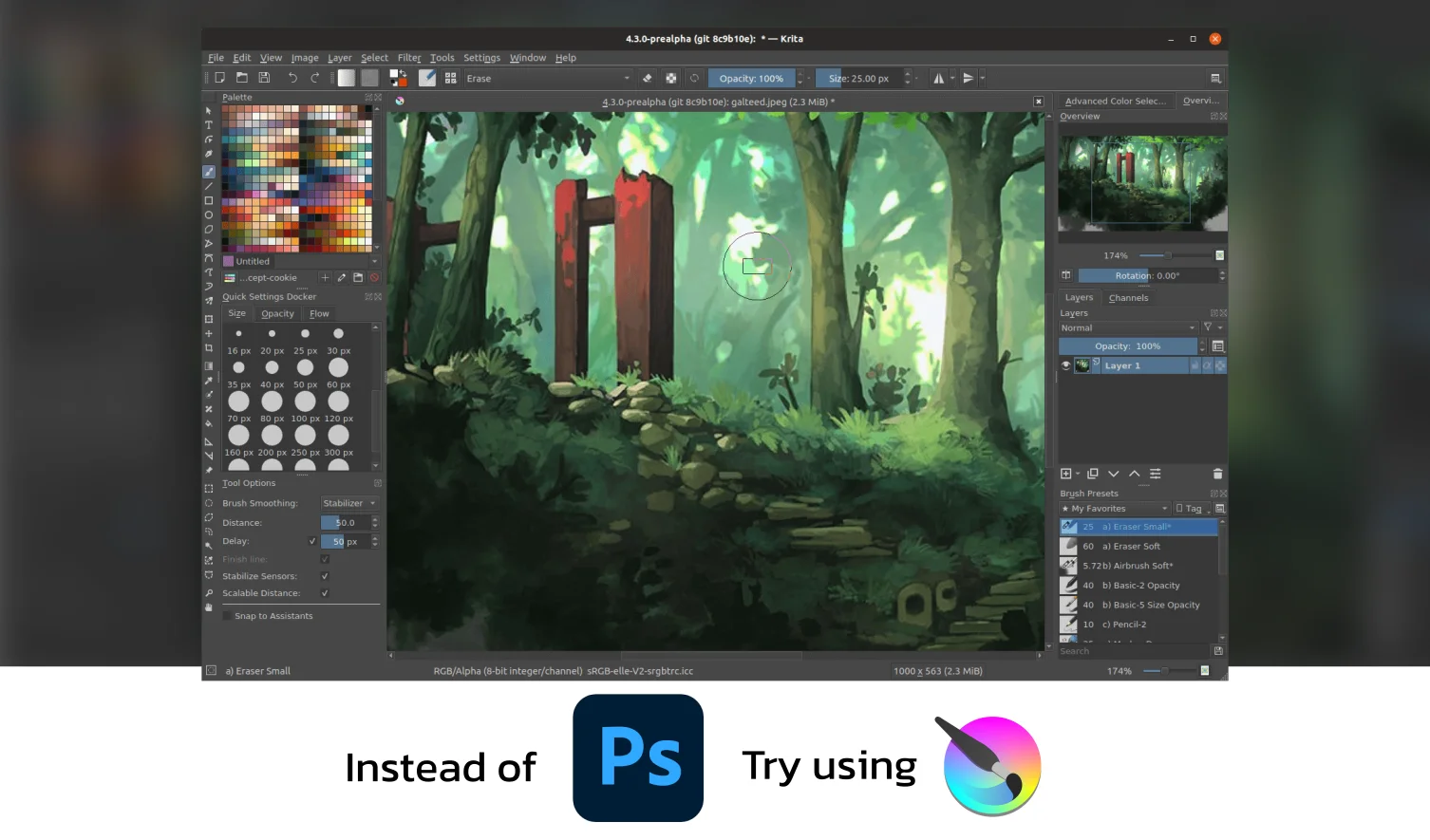
Krita
Krita is an innovative digital art program that offers a free alternative for creating digital art from the ground up. With its advanced tools, this program is ideal for illustrators, concept artists, matte painters, comic book artists, animators, and all creative professionals looking to achieve high artistic perfection. Krita is designed to empower digital painters with the ultimate features, allowing them to produce professional visual art, making it one of the best Adobe CC alternatives. Krita's design features include a wide range of brushes, animation tools, and a highly customizable interface, giving users flexibility and control over their creative process.
Krita can paint with advanced brushes and colors, draw illustrations, design textures, edit photos, apply HDR effects, convert raw files, and more. It also supports photo raw formats, which is important for professional-quality photo editing. Its user-friendly interface enables beginners to manage all their tasks in one place without being overwhelmed by complex options.
Adobe Equivalent - Photoshop
Krita is a popular Photoshop alternative for digital art creation software. Krita and Adobe Photoshop offer various features to manipulate images and graphic design tasks. However, Krita is an open-source alternative, making it an affordable and accessible option for artists and designers.
Krita is ideal for professionals and hobbyists looking for a powerful alternative to Photoshop, as it is optimized for illustrations, concept art, matte painting, textures, comics, and animation design.
Pros
● Open-source app
● Intuitive layout
● Vast array of brushes
● Animation capabilities
● Customizable tool palette
● All supported formats export
● Lifetime license
● Good modern and stable user interface
● Allows customization of the entire interface
● Light software
● Compatible with practically any format
Cons
● Some bug fixes are required on Mac OS and Windows.
● Can experience crashes on big files for Mac users
● Continual updates can bring usability problems
● Some missing functions and tools, such as draft funds
Inkscape
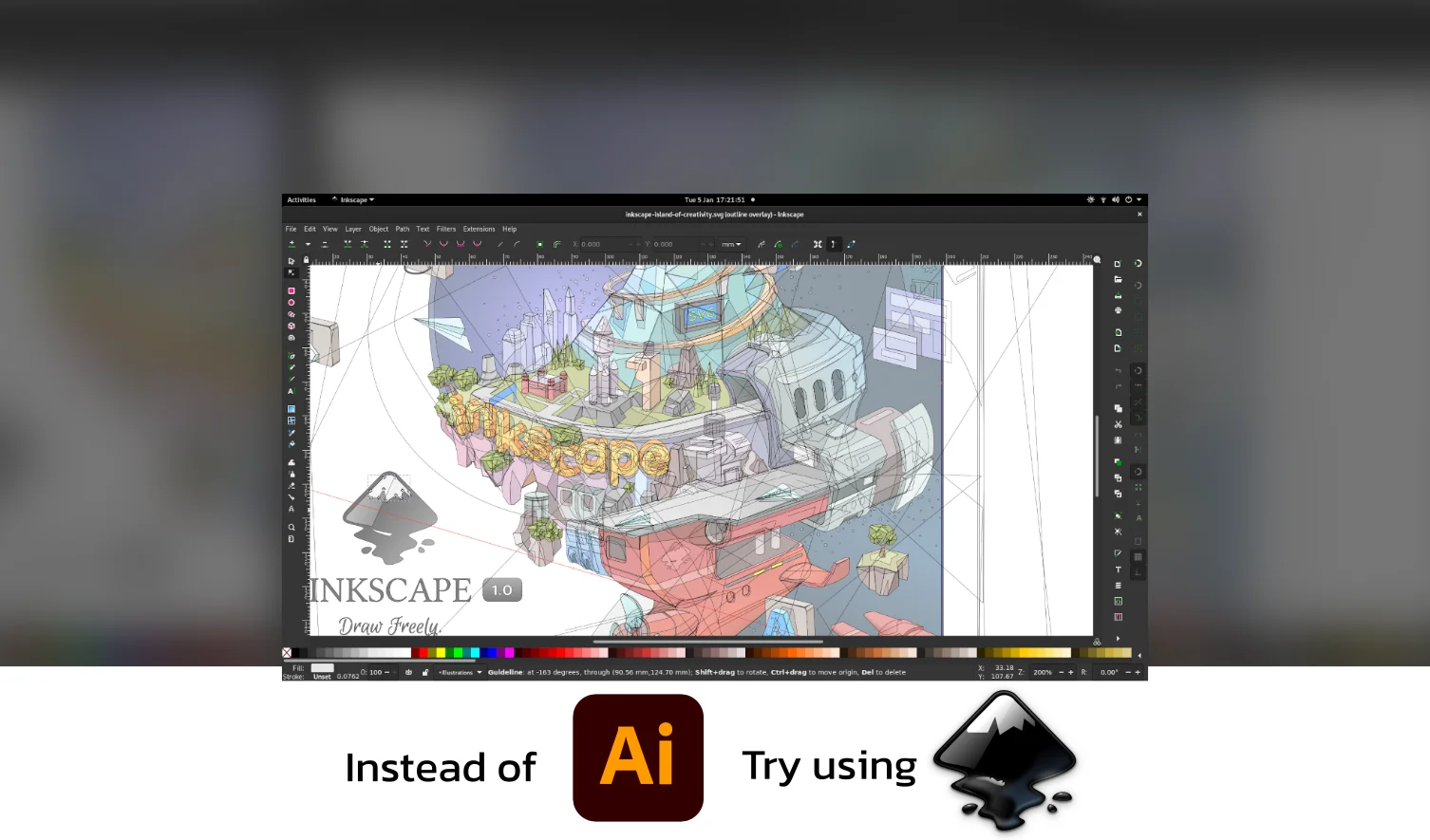
Inkscape is an exemplary free and open-source vector graphic design software that first debuted in 2003. Inkscape offers features similar to Adobe Illustrator, making it a strong choice for those seeking Adobe alternatives. As new versions have become available, it has consistently expanded its capabilities, allowing users to utilize the program across multiple industries, such as marketing/branding, engineering/CAD, web graphics creation, and even cartooning.
Compatible with Windows, Mac, or Linux operating systems, this powerful platform enables graphic designers to use SVG format to create high-quality logos and illustrations rapidly. Inkscape allows users to create and manipulate vector graphics using anchor points, which are essential for adjusting paths and shapes to achieve scalable, precise designs.
Inkscape’s user interface makes it easy to start creating professional-grade designs no matter where you started. This program’s high image scalability makes it powerful for logos, illustrations, and artwork, whether you’re a beginner or an experienced vector image software user.
Adobe Equivalent - Illustrator
Inkscape offers the same features as Adobe Illustrator. Both programs allow users to create and edit complex images of geometric shapes rather than pixels. Inkscape is compatible with Windows, macOS, and Linux operating systems and has additional user customization capabilities. While it provides a good foundation for graphical design, Adobe Illustrator, a part of Adobe Creative Cloud, remains the industry standard due to its advanced features and capabilities.
Pros
● Excellent vector drawing tools, and can open almost any file format.
● It's free and useful for beginners and experts.
● Unlimited layers with different properties make it one of the best new features.
● Simple and intuitive user interface makes it easy to get started quickly.
● It has impressive vector graphics and effects.
Cons
● The many features, tools, and functionalities presented on its interface can make it challenging, especially for the first time.
● It can be resource-intensive, causing the computer to slow down or become unresponsive when working with large or complex designs.
● Inkscape does not support the CMYK color model used in print production.
Blender
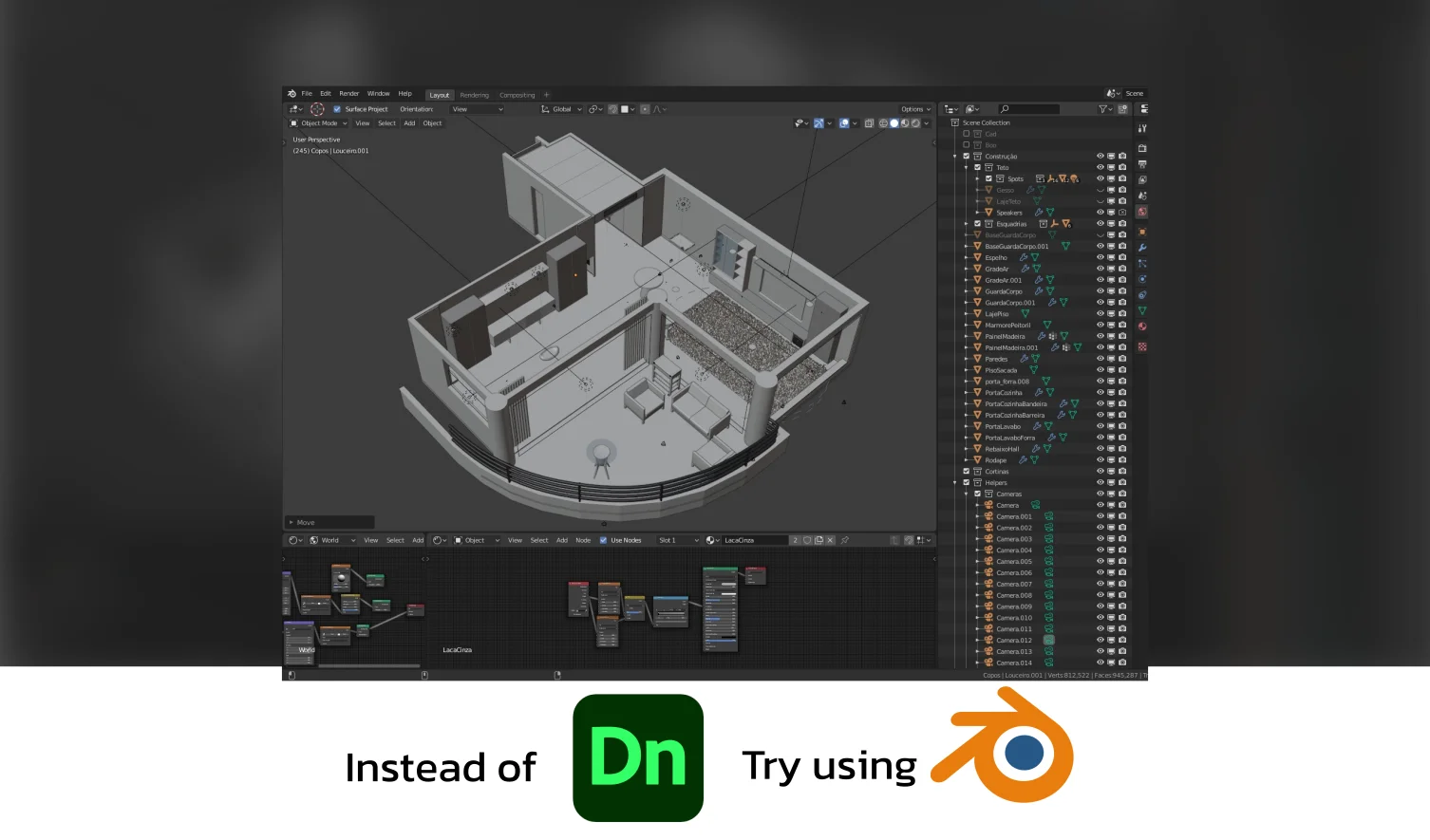
Adobe packages are well-known for their design, animation, and video editing software, but plenty of free and paid alternatives exist. Blender is one of the top open-source 3D creation suites that provides powerful features and functionality to businesses in technology, motion pictures, graphic design, online media, and computer games. Blender is available as a desktop version, allowing users to work offline and store files locally. As a free and open source tool, Blender effectively offers a perpetual license, giving users long-term access without recurring payments.
Blender is an on-premise game development platform with multiple tools, including Python scripting, sculpting tools, data export, sound synchronization, and custom colors. These help create 3D printing solutions along with animations and visual effects.
Its animation and rigging module helps develop character animations through the pose editor, non-linear animation (NLA), inverse kinematics, automatic skinning, weight painting, and motion paths. Its sculpting module allows designers to sculpt organic models or remove details from the mesh.
Also, it enables developers to customize interface layouts by combining 3D and 2D models or tracking object footage. They can also unwrap animations, personalize image properties, and edit design elements using the platform’s render engine, Cycles.
Adobe Equivalent - Dimension
Adobe Dimension is one of the Adobe products, equivalent to a 3D model and character design found in Blender. This software provides an easy-to-use interface for creating realistic 3D scenes, packaging designs, and product mockups. It also has a comprehensive library of models and materials and supports importing models from other sources. Furthermore, it integrates seamlessly with other Adobe apps.
Pros
● Powerful tool for creating high-quality videos and 3D animations.
● Completely free alternative and open source.
● Offers multiple save file options and has a large number of sculpting assets.
● Supports multiple types of files and provides a complete package for modeling, texturing, animation, compositing, simulation, FX, lighting, and rendering.
● Versatile and can be used by solo and indie developers.
● An integrated software suite that facilitates immersive learning experiences in 3D modeling, animation, visual effects (VFX), video editing, and other creative endeavors.
Cons
● Hotkeys may not work and are not intuitive.
● Interface is complex and requires a proper course or tutorials to understand.
● Extensive functionality and learning curve.
● Not the preferred software in the industry.
● May crash occasionally and needs a drag-and-drop feature to import meshes.
Audacity
Adobe CC is a popular software suite for creating and editing digital media. However, decent alternatives to Adobe CC offer features similar to or better than the original. Audacity is one such best alternative to Adobe for sound editing purposes.
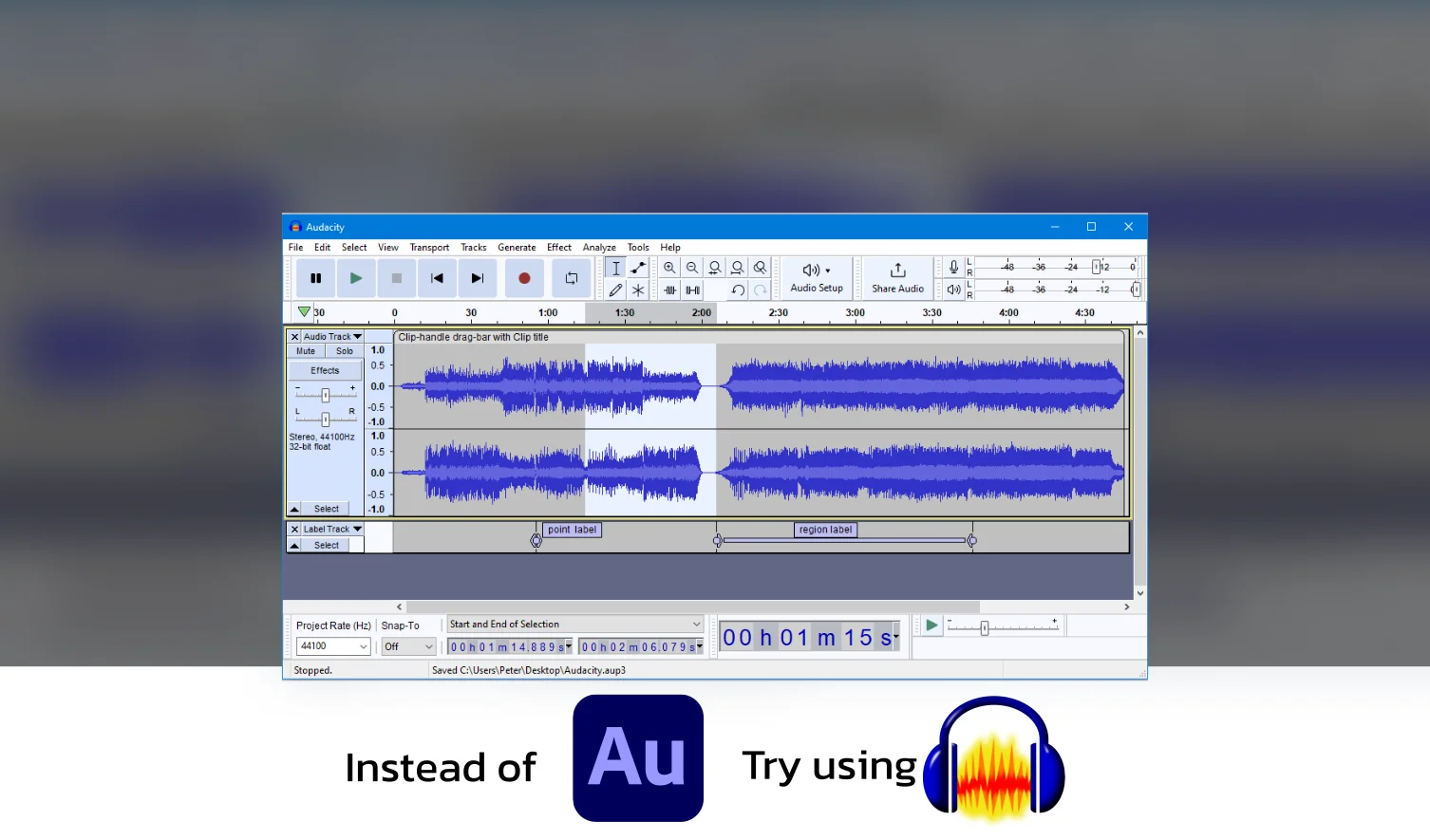
Audacity is a free, open-source, cross-platform audio software designed to help musicians manipulate soundtracks and analyze sound frequencies. As an open source program, Audacity is accessible to everyone and benefits from community-driven development.
It also functions as a free tier solution, providing essential audio editing features at no cost. It supports several file formats, including WAV, MP3, Ogg Vorbis, AU, AIFF, and FLAC. With Audacity’s keyboard shortcuts and easy-to-use user interface, you can quickly record via microphones or dub over existing tracks to create unique sounds with your own or playback devices.
You can cut, copy-paste, mix, and delete audio tracks while undoing or redoing actions in a session using the audio tool to adjust the volume. To customize your music production further, you may modify pitch or tempo and alter frequencies using filter effects such as equalization, high pass, low pass, bass, treble, or notch. In addition, Musicians can also use the software to create voiceovers for DJ sets and podcasts, remove static noise from their recordings, preview plug-ins in real time, etc.
Adobe Equivalent - Audition
Audacity is a free, open-source digital audio workstation (DAW) comparable to Adobe Audition. While Adobe Audition is part of the Adobe Creative Cloud suite and Adobe offers advanced mixing, spectral editing, and restoring capabilities, Audacity offers basic audio editing features for recording and editing audio.
While Adobe Audition is a professional DAW commonly used in the music, film, and broadcast industries for sound design, post-production, and music composition, Audacity provides cost-effective alternatives to Adobe Creative Cloud for those who don't require advanced features.
Pros
● Support for DIY projects
● High sound quality
● User-friendly interface
● Enhancement of recordings
● Continuously improving
● Simplistic yet powerful tools
● Macros facilitate speed and efficiency
● Background noise detection & removal capabilities
● Installation & usage is straightforward
● Open-source software with free availability
Cons
● Not suitable for recording music with multiple tracks
● Limited compared to Digital Audio Workstations (DAWs)
● Effects preview has limited functionality
● Cannot edit audio on video content
● Unappealing user interface (UI)
● Could prove complicated for new users
● Steep learning curve without a manual
● Add-in software may be required for specific file formats
Adobe Alternatives: FAQs
Who is Adobe's biggest competitor?
There isn’t one single biggest competitor, but Canva (for design), Affinity (for professional creative apps), and Corel (especially CorelDRAW) are key rivals in different areas.
What PDF software is best?
For most users, PDFgear or Foxit PDF Editor offer strong free/paid features for PDF files. Apple Preview (Mac) and Adobe Acrobat itself remain widely used.
Is there a Google version of Adobe Photoshop?
Not directly. Google offers separate tools like Google Docs, Slides, and Drawings, but they are simpler, web-based, and not integrated like Adobe’s Creative Cloud.
Can I permanently buy Adobe Software?
No. Adobe has moved entirely to subscription-only models (Creative Cloud). You can’t buy perpetual licenses for new versions, but older standalone software may still be available secondhand.
Pick Your Best Option - Tools and the Experts that Come with It
Adobe Suite is a powerful set of tools, but you have more options if you're looking for something budget-friendly or user-friendly.
But the reasons people stick with Adobe programs is one of its key feature: how well the tools integrate with each other, making creatives' jobs easier.
But working with Evolv can make it a lot easier! Not only do you get the tools your brand needs, but the experts who make the best use of them, all wrapped up in a risk-free monthly subscription.
Let us know how Evolv can help you supercharge your brand!
For more digital marketing, branding, and design resources, check out our blogs.

Carl Undag

Evolv helps companies scale their brand without the headache of hiring full-time employees or unreliable freelancers. Our flat-rate monthly subscription gives you on-demand access to a dedicated creative team, letting you submit branding tasks with zero compromise on speed or talent.